
ScenarioPicture yourself 5 years in the future. You have already graduated from college or trade school, you are now working in the career you chose earlier this school year.
BEFORE YOU BEGIN!!!!
Change the filename at the top of document ‘Copy of yourname’ to your own first and last name before beginning to edit in Canva.
Step 1: Choose Your Career Path
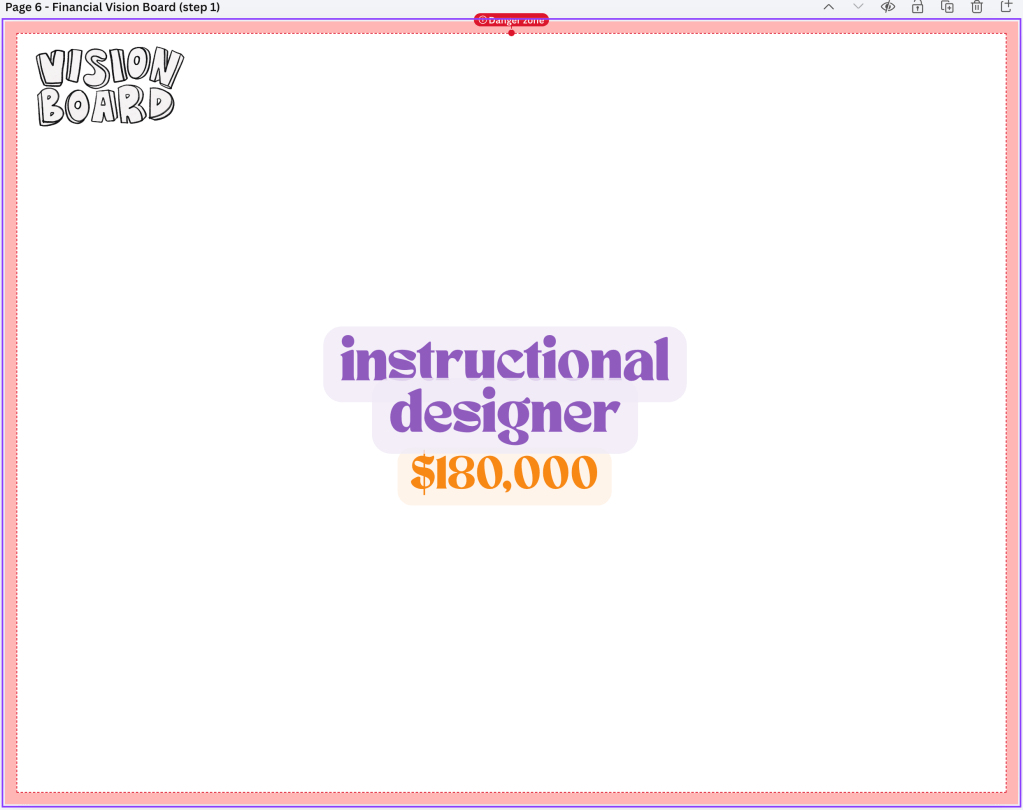
- Your career/job title. Whether this is a career job or entrepreneurship
- Your entry-level salary (how much you earn per year)
NOTE: This information must appear in text in the center of your board.
Step 2: Plan Your Finances
(This should appear on the second page of your Canva Template → Financial Reasoning Board)
Create a financial breakdown of your money. You must include dollar amounts for each category below:
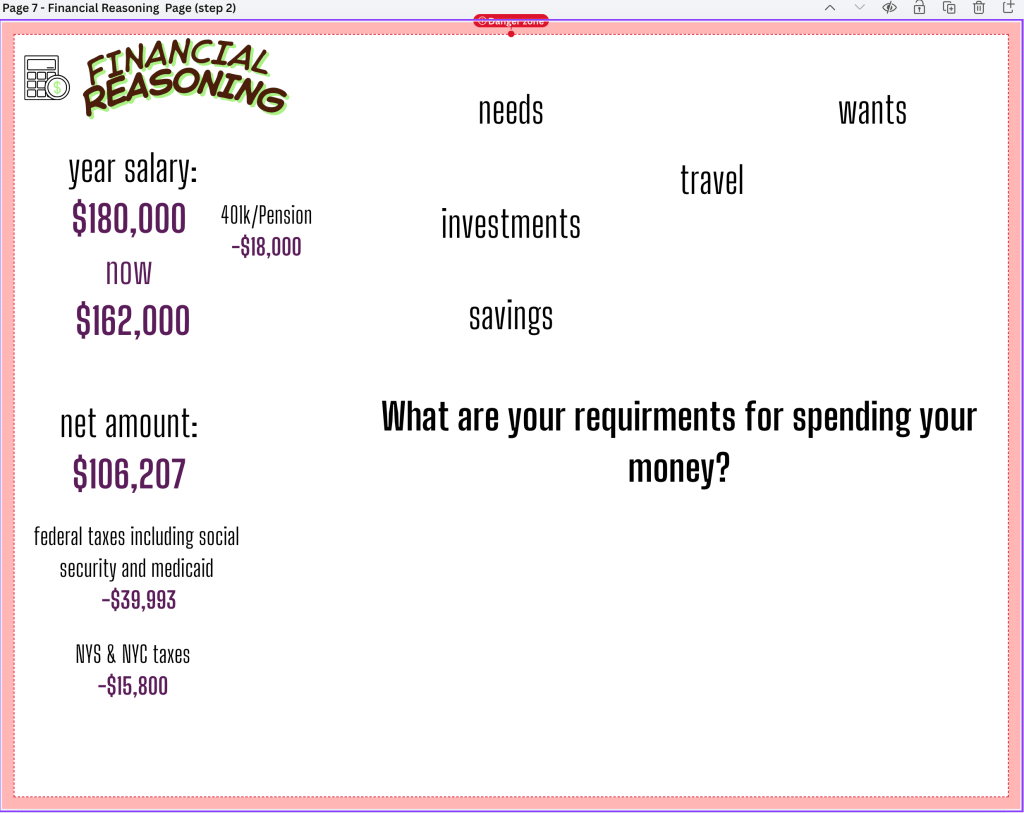
- Taxes (federal, state, and local taxes)
- make sure to take out your pension/401k amount before you deduct your taxes)
- Earnings (net yearly income after taxes)
- Savings (emergency fund, future goals)
- Investments (stocks, business growth, etc.)
- Expenses (rent, transportation, bills, etc.)
- Side Hustle (extra income to help you survive New York City)
NOTE: Make sure your income is realistic and your money is clearly divided.
Step 3: Create Required Sections on Your Board
Decide how your money is divided. You must show where every dollar goes. Your vision board must include these sections:
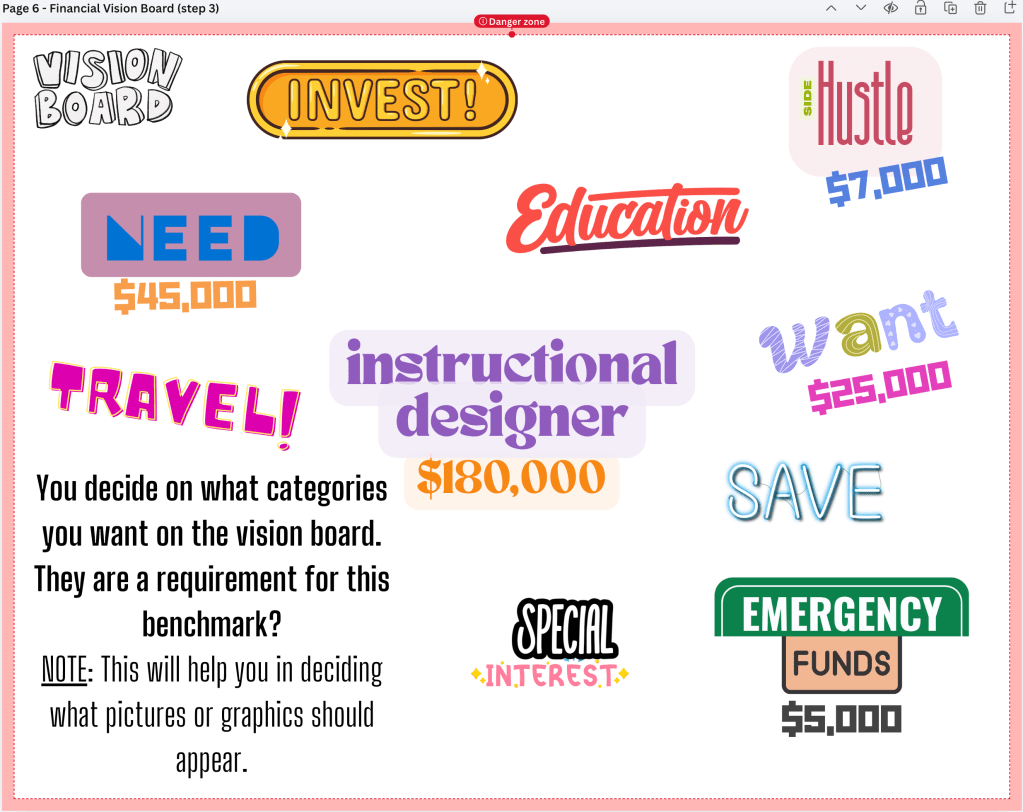
- Needs – things you must pay for (rent, transportation, bills)
- Wants – entertainment, hobbies, subscriptions
- Dreams/Special Interests – long-term goals or passions
- Investments/Retirement – %of what you are making goes here
- Any additional sections you want (savings, travel, education, wellness, etc.)
NOTE: The dollar amount is the total of what you will spend in a year for each of the categories. That means you need to add up all your expenses, wants, needs, savings, investments, etc and show that number under each of your categories
TIP: If you put in your categories on your blank vision board first, it will dictate what images will appear in the section of your board.
Step 4: Choose Images Carefully
- You must have at least a minimum of 20 images
- This does not mean only 20 images but the images should create a collage of images overlaying one another but showing where your money is being spent.
- Images should represent your goals, not literal items
- ❌ DO NOT use images of money, clothes, houses, or food
- ✅ Use images like work environments, symbols of success, icons, charts, lifestyle photos, and/or motivation images
Step 5: Add Text to Every Section
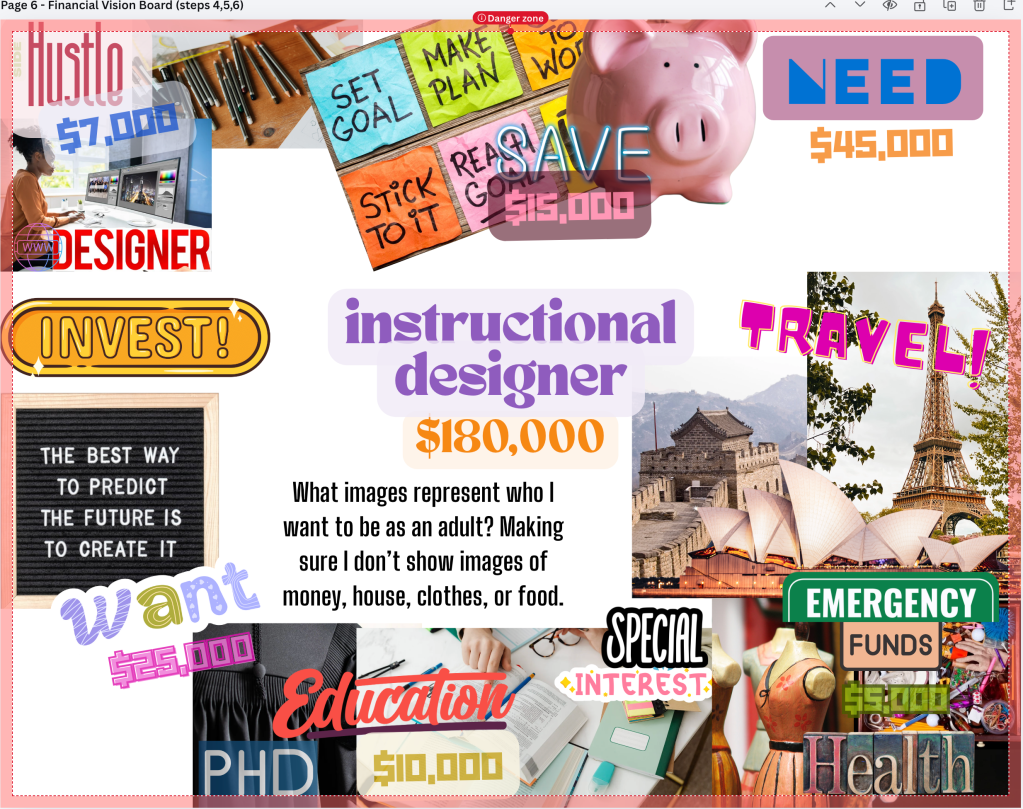
- Every section must have dollar amounts showing how much money goes there
NOTE: This is a financial vision board, so numbers are required.
Step 6: Include an Inspiring Quote
- Add at least one motivational or inspiring quote
- The quote should connect to success, financial goals, hard work, or your future self
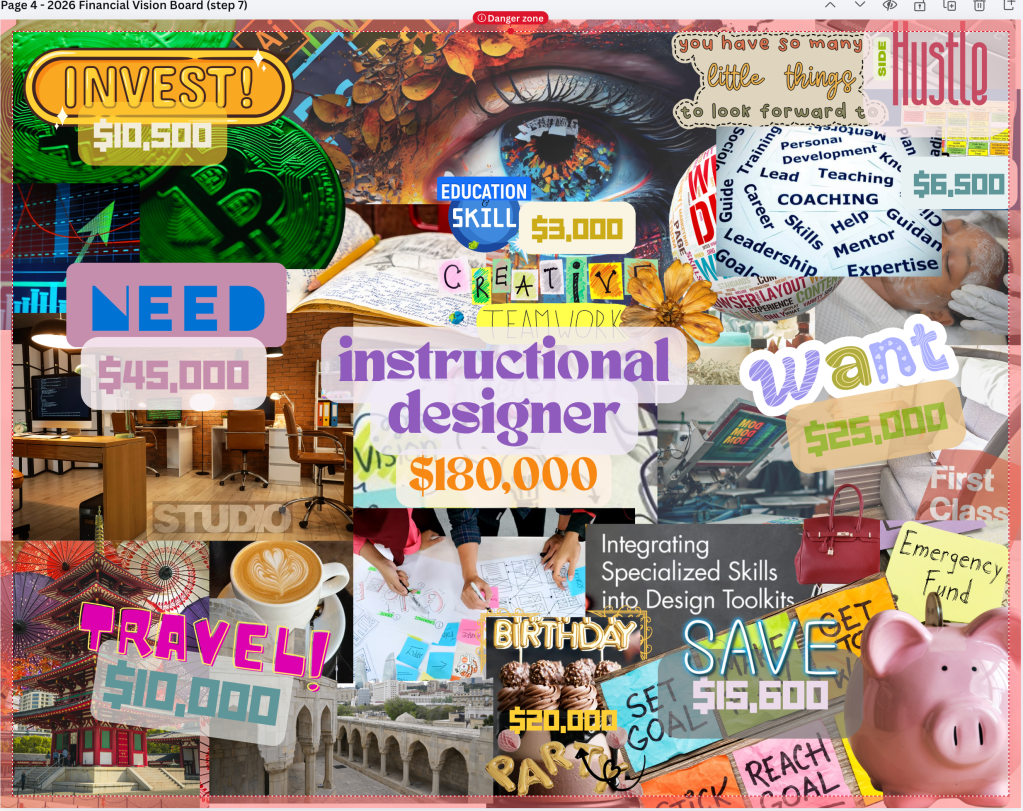
Step 7: Fill the Entire Board
The board must be completely filled
NOTE: ❌ No large white or empty spaces
Saving your Financial Reasoning and Vision Boards
- Click on share button
- Select download
- Choose File type: PNG
- Unselect All and chose one file at a time to download
- There should be two images that you upload to google classroom
- Your Financial Vision Board
- Your Financial Reasoning Board
- There should be two images that you upload to google classroom
- Upload both images to assignment to submit.
NOTE: You MUST download it from Canva. DO NOT take a screenshot of images and submit.
 Creative Designs and Technology Education