
Problem of Practice
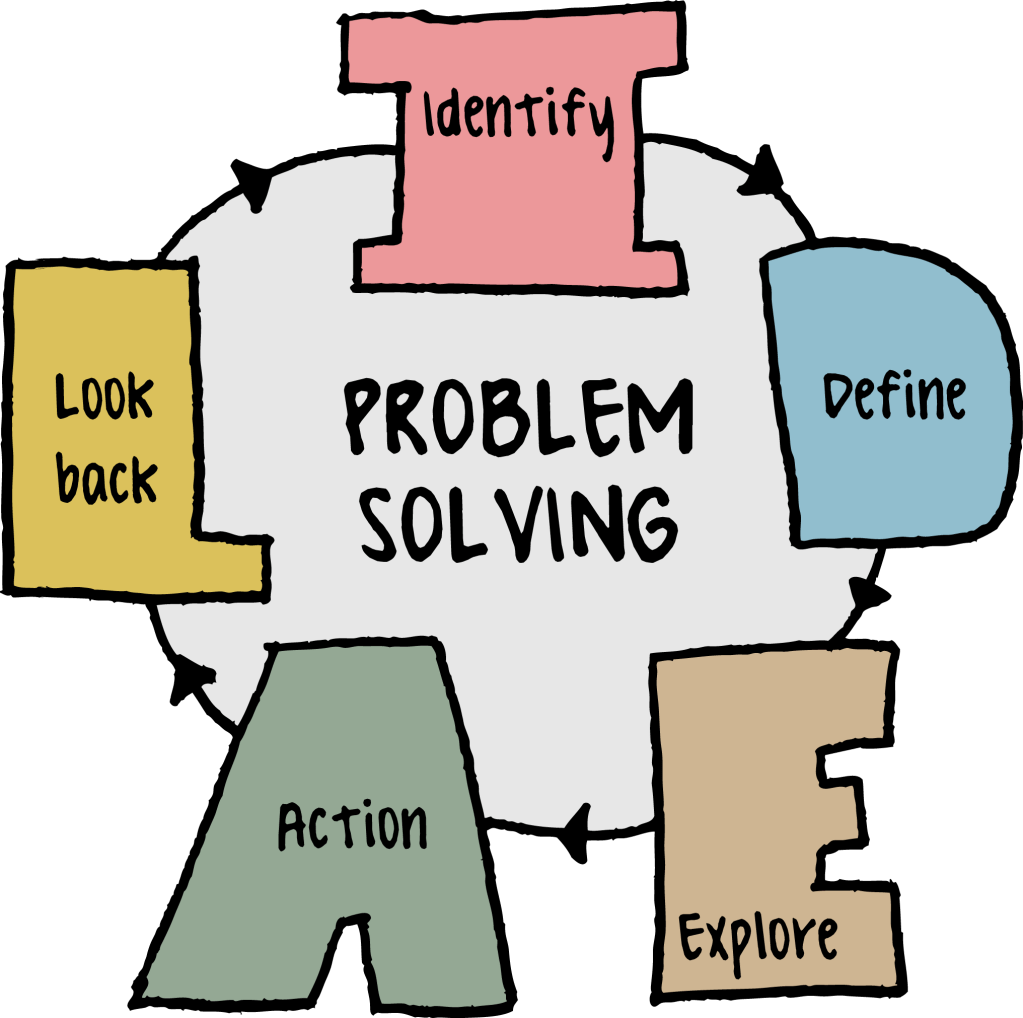
Many CTE students struggle with writing thoughtful reflections that go beyond summarizing their experiences. While they can describe what they did, they often have difficulty analyzing how their actions contributed to their learning and skill development. Additionally, some students struggle with organizing their thoughts in a clear, structured manner.
| Strengths | Weaknesses |
|---|---|
| CTE students excel at hands-on learning and can vividly recall experiences, making their reflections rich with real-world examples. They also develop technical vocabulary that can enhance their writing when used effectively. | Students may lack confidence in their writing skills and avoid deeper self-analysis, leading to surface-level responses. They may also struggle with articulating the connection between their experiences and broader industry skills or career readiness. |
Hypothesis and Learning Strategy
If students in CTE classes identifies the learning outcomes , they will be able to write a synthesis of how they can implement the information learned in their daily lives, which will be measured by writing their findings on thier WordPress website.
What? So What? Now What?

A useful learning strategy to help students deepen their self-analysis in reflection writing is the “What? So What? Now What?” Framework. This structured approach guides students to move beyond simple descriptions and into critical thinking about their experiences.
- What? – Students describe the experience, task, or project. (What happened? What did I do?)
- So What? – They analyze the significance of the experience. (What did I learn? Why does it matter? How did it challenge me?)
- Now What? – They apply their learning to future situations. (How will I use this knowledge moving forward? What will I do differently next time?)
By consistently using this framework, students practice deeper reflection, making connections between their hands-on experiences and personal growth, industry expectations, and career skills. Pairing this with peer discussions or mentor feedback can further enhance their ability to critically analyze and articulate their learning.
Target Group
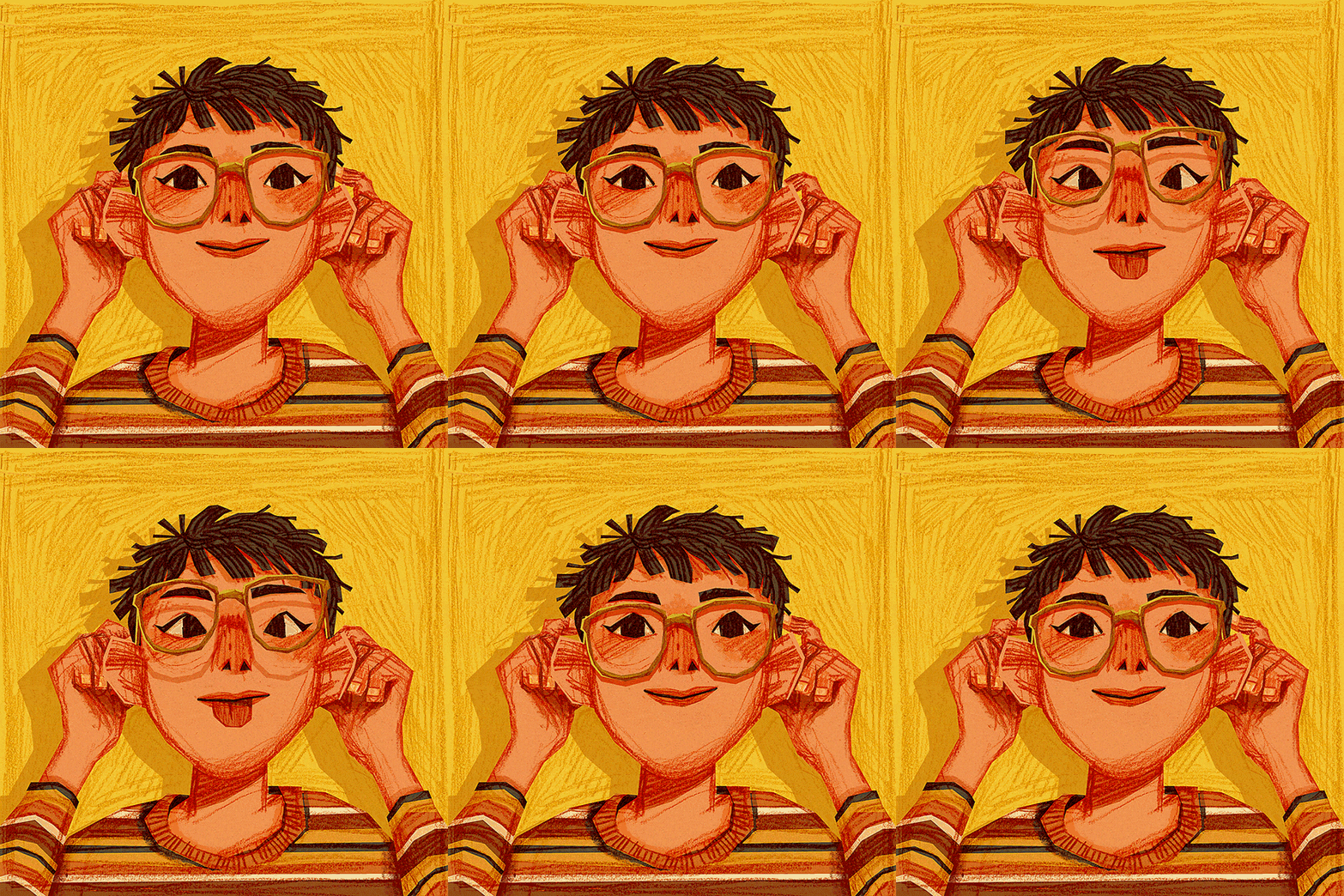
The target group are freshmen students who are taking Digital Media course to create digital self-portraits, it will be their first encounter with Adobe Fresco. This is important because it introduces freshmen to digital media, creative self-expression, and foundational design skills early in their high school journey.
Learning Adobe Fresco provides them with essential digital illustration techniques, fostering confidence in using industry-standard tools. Since this is their first experience with the software, it sets the stage for developing problem-solving, adaptability, and creative thinking skills—all crucial in digital media careers. Additionally, creating a digital self-portrait allows for personal storytelling and identity exploration, making the learning experience both meaningful and engaging. Establishing these skills early can spark interest in more advanced design courses and future career pathways in digital arts.
Planning
Project Overview
Students will use design thinking, traditional sketching, and digital tools to create a self-portrait in Adobe Fresco. They will document their process and reflections on Padlet, engaging in project-based learning (PBL) to explore personal identity and digital art techniques.
This unit integrates PBL, traditional art skills, and digital tools, helping students develop creativity, technical proficiency, and self-expression.


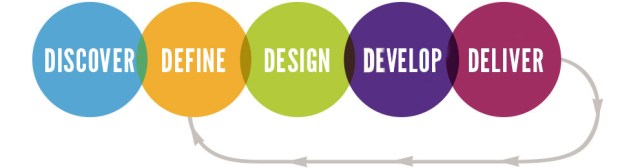
Discover Phase:
Define Phase:
Design Phase:
Develop Phase:
- Activity: Students explore the concept of self-portraits through historical and digital examples.
- Class discussion on identity and artistic expression
- Padlet for students to post inspirations and initial thoughts
- Activity: Basic drawing technique lesson (proportions, facial features, shading)
- Guided sketching session to plan compositions before digital work
- Padlet for peer feedback on sketches
- Activity: Introduction to Adobe Fresco, layering, brushes, and digital illustration techniques.
- Step-by-step tutorial on Adobe Fresco tools
- Practice exercises (blending, using layers, digital line work)
- Time to explore and refine digital sketches
- Activity: Students create their self-portraits in Adobe Fresco, applying learned techniques.
- Checklists for progress tracking
- One-on-one teacher feedback sessions
- Padlet or shared Google Drive folder for students to share work-in-progress
Deliver Phase:
- Activity: Students present final self-portraits and reflect on their process using Padlet.
- Resources: Self-reflection prompts (What did I learn? What challenges did I face? What would I improve?)
- Class critique session using a constructive feedback approach
- Rubric-based assessment covering design, creativity, technical skills, and reflection
Materials

Technology & Software
Electronics and APP’s
- iPads or computers with Adobe Fresco installed
- Padlet account for sharing reflections and inspirations
- Smartboard demonstrations
Art Supplies
- Sketchbooks for drawing,
- Paper
- Pencils, erasers, fine-tip markers for initial sketches
Digital & Instructional Materials
- Lesson slides on self-portraits and design thinking worksheet
- Adobe Fresco tutorials (pre-recorded or live demos)
- Rubric for assessment

WordPress Blog Posts
- Each post should have a clear title related to their progress, e.g., “Sketching My Self-Portrait: Exploring Proportions” or “Final Digital Portrait & Reflection.”
Process Documentation
- Sketching & Ideation: Share initial pencil sketches and inspirations.
- Experimentation in Adobe Fresco: Describe techniques explored
- Challenges & Adjustments: What problems did you encounter? How did you solve them?
Design Thinking Process Reflection
- Discover, define, deign, develop, and deliver.
- Final Reflection/Artist Statement

Teacher Resources
- The design thinking process is a non-linear, iterative process that involves five steps: empathize, define, ideate, prototype, and test. It’s a human-centered approach to innovation that helps teams create solutions to problems.
- Pressbooks empowers authors, educators and organizations to create, publish and share digital books and open educational resources
- Edutopia is a free website that shares educational resources for teachers, students, and other educators. It is part of the George Lucas Educational Foundation.
 Creative Designs and Technology Education